Let's get started!
Retrieving answers for Kahoot quizzes is easy once you understand the process. In most cases you'll only need kahoot game pin.
Live Games (teacher paced)
Here's how the live game interface looks like:
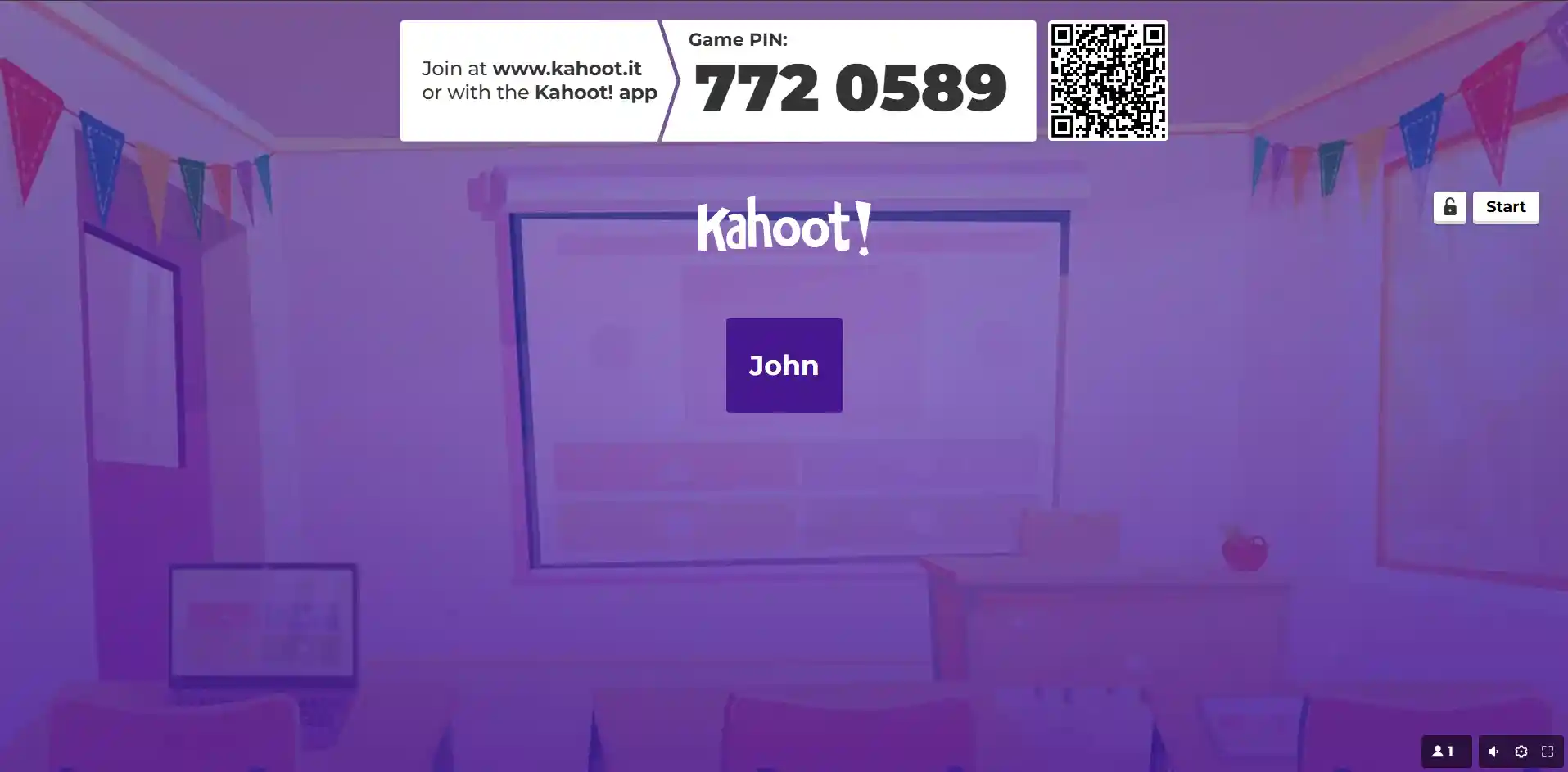
For live games (teacher paced) you can get answers by using the game pin, quizId or quiz name/question search (not recommended). We highly recommend using the game pin for the best and easiest experience. Below are the steps for these methods:
Game Pin method
This best method to get Kahoot answers is to use the game pin provided by your teacher. It is a few digit code that allows you to join the Kahoot game. Here's how to use it:
- Enter the game pin into our Kahoot Hack.
- Wait for the questions to load, don't interrupt the process.
Auto Answer script will show up after the first question loads (not required to get answers).
Using this method, you can get answers for all types of Kahoot games, including private ones. Keep in mind that for private Kahoots you need to have Premium access.
If the game pin method somehow didn't work or you don't have Premium access, proceed to the quizId method below.
QuizId method
This method is a bit more complicated but it works for all games, including private ones. Here's how to do it:
- Look at the teacher's screen and locate the "quizId" value at the end of their URL.

- Extract the "quizId" value following ?quizId=
- Enter this value into our Kahoot Hack.
After successfully doing this steps, you will instantly get all answers for the quiz. It works for both public and private Kahoots. Keep in mind, that private Kahoots require Premium access.
Quiz Name / Question Search method (not recommended)
If you can't use the game pin or quizId methods, you can try searching for the quiz by its name or any question from the quiz using our Kahoot Search. This method is less reliable and works only for public Kahoots, but it's worth a try if the other methods are not available to you.
Challenge Games (student paced, homeworks)
Here's how the challenge game interface looks like:
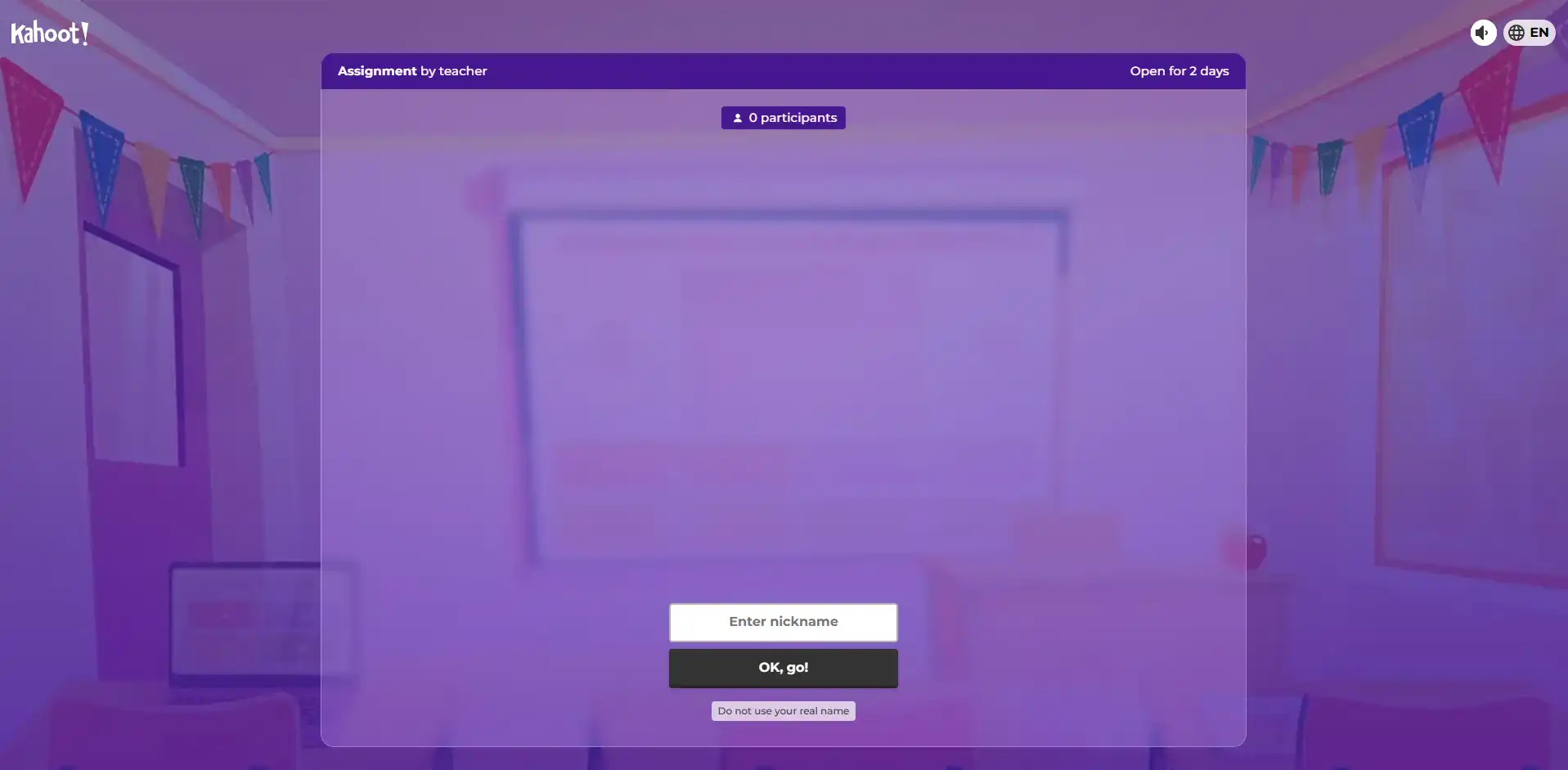
For challenge games the process is even easier. You can get answers by using the game pin or game link for completely free and without any hassle. Here's how to do it:
- Simply enter the game PIN or link to our Kahoot Hack.
Popular Questions
How to get Kahoot answers with game pin?
To get answers for Kahoot, simply put the game pin into our Kahoot Hack. We're the only service that supports game pins for all Kahoot games!
Can I get answers for a live game using the game PIN?
Yes, you can use the game PIN to get answers for live Kahoot games. Just enter the game PIN in our Kahoot Hack and click "Get Answers".
How can I quickly input the quizId?
You can utilize any OCR application (e.g., Google Lens) or our quizId detection tool.
What if the link isn't visible?
In such cases, search for the quiz by its name or any question from the quiz here.
Does the cheat work for private Kahoots?
Yes! We are the only service that supports private Kahoots!